
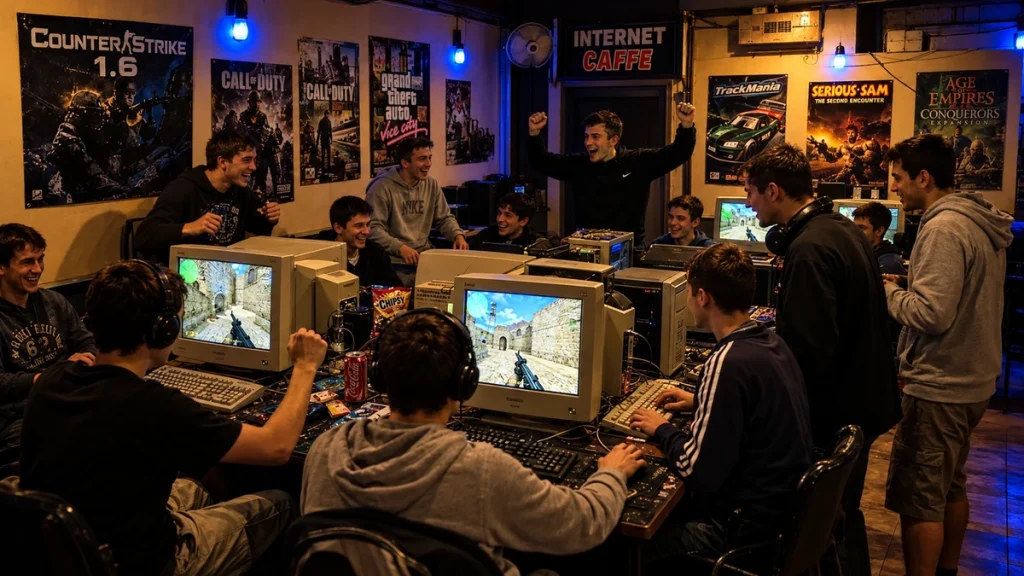
At internet cafés and LAN centers in the 2000s, a round could end before your paid session did, or the session could run out halfway through a game. That mismatch shaped the visit. Before sitting down, it helped to know who was playing, which machines were free and how much time you could afford.
The appeal was practical. Some customers needed internet access; others already had a PC but wanted an installed game, a working network and friends within speaking distance. Watching a match from behind a chair could be part of the visit too, especially when every computer was occupied.
Internet access and a ready-to-play PC
An internet café could serve someone who only needed a browser, an email account or a printer. A LAN center placed more emphasis on games and connected computers. The names overlapped, and a single business might offer both kinds of service, with scanners and printing at the counter and multiplayer matches further inside.
For gaming customers, having the equipment already in place removed a considerable amount of preparation. Organizing a LAN party could involve bringing computers, monitors and cables to someone else's house. A commercial center supplied the machines. Friends could meet there without transporting desktop towers or finding enough desk space and power sockets at home.
Hourly rates and the search for a free seat
The rate board explained how the visit worked: a short session, an hour, a longer block or perhaps an overnight package. Prices and booking arrangements varied between venues. Extra services could have separate charges, so time at a PC and a stack of printed pages were different items on the bill.
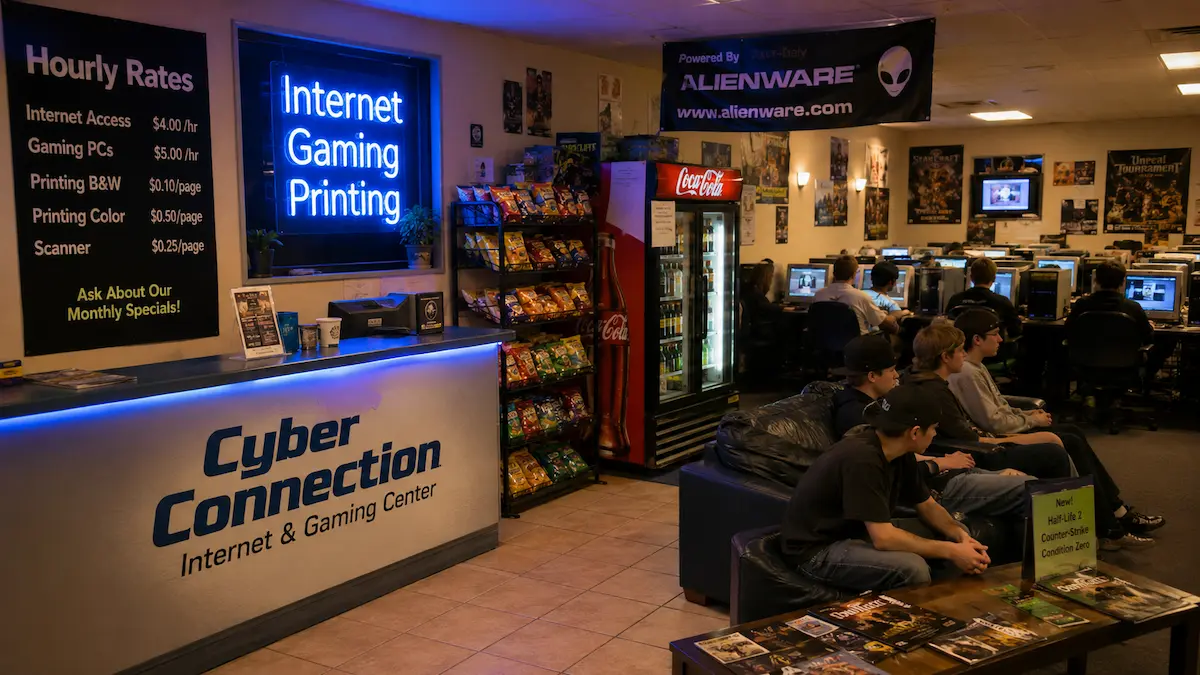
A free computer was not necessarily the one a regular visitor wanted. A comfortable mouse, a readable screen or a seat beside a teammate could make another station worth waiting for. From behind an occupied chair, the person waiting could see whether a match was nearly over. The player at the keyboard might have a different estimate:
“Just one more round.”
The next round was easy to start. Fitting it into the remaining paid time was another matter.
Counter-Strike and what LAN actually meant
Counter-Strike 1.5 and 1.6 are closely associated with this kind of gaming room. Maps such as Dust2, Assault, Italy and Aztec gave players familiar routes, hiding places and objectives to argue over. Knowing where an opponent might appear mattered as much as reacting quickly when they did.
LAN stands for local area network. In a local match, the PCs connected to a server on the venue's own network. The match traffic could stay within the building rather than passing through a distant internet server. Valve's Half-Life dedicated server guide, which covers Counter-Strike 1.6, lists LAN and Internet as separate network options.
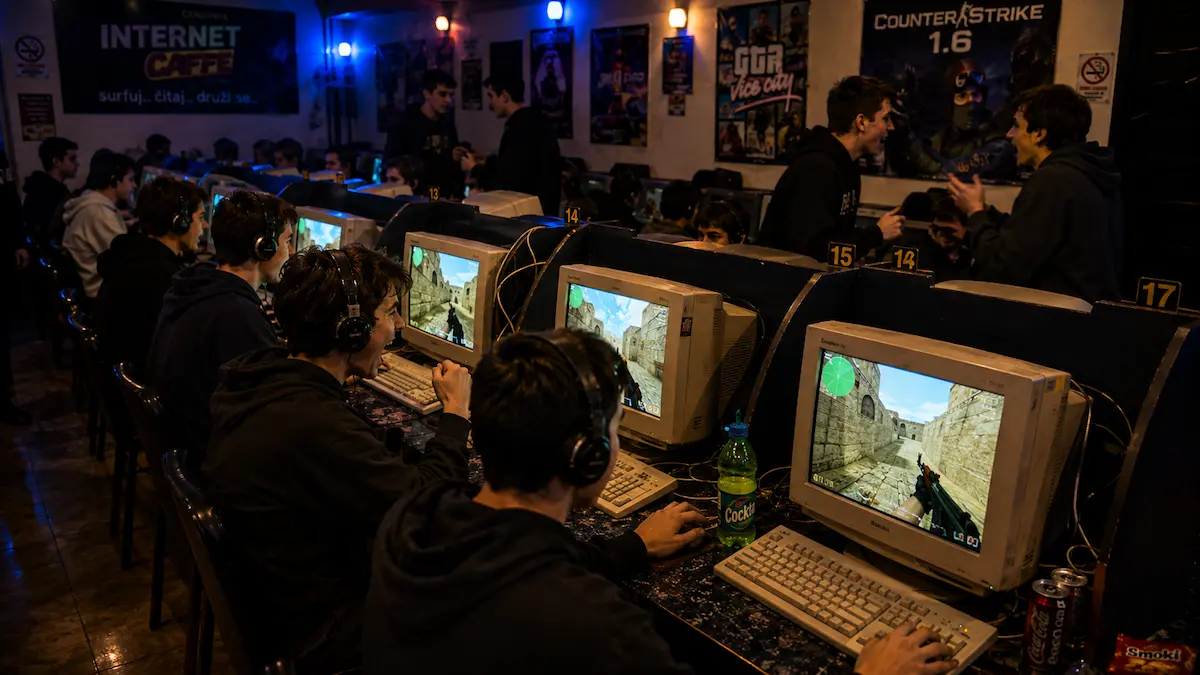
In a standard Counter-Strike round, being eliminated meant watching until the next round began. That pause was part of the room's rhythm: a player could follow the surviving teammates while someone behind the chair studied the same screen. A beginner could see how an experienced player checked a corner, used cover or waited for an opponent, then try the approach in the next game.
Not every game in a LAN center was a LAN game
The available games changed what an evening looked like. Quake III Arena and Unreal Tournament offered fast arena matches. Warcraft III and StarCraft involved building an economy and managing units, so a session could develop at a different pace. The catalogue depended on the venue, its equipment and what customers wanted to play.
World of Warcraft belonged to a different category. Players sitting beside one another still connected to Blizzard's online realms rather than creating an ordinary local LAN match. The game required an active internet connection, so sharing a room did not make it independent of the café's outside connection.
It also changed the relationship with the clock. A round-based game offered repeated stopping points. An online world kept going when a customer's paid hour ended, and finishing one task could reveal another that would take longer than the remaining session.
AIM, MSN Messenger and the contact list
Gaming was only one use for a shared PC. Email, forums and instant messaging could occupy the same desk between matches or for an entire visit. AIM, MSN Messenger, Yahoo! Messenger and ICQ offered different interfaces, but the immediate question was similar: which contacts were online, and were they available to talk?
Instant messaging was already an established habit by the middle of the decade. A Pew Internet report published in 2005 found that 75% of US internet users aged 12 to 17 used instant messaging. For a visitor relying on a café computer, signing in provided access to that wider social life for the duration of the session.
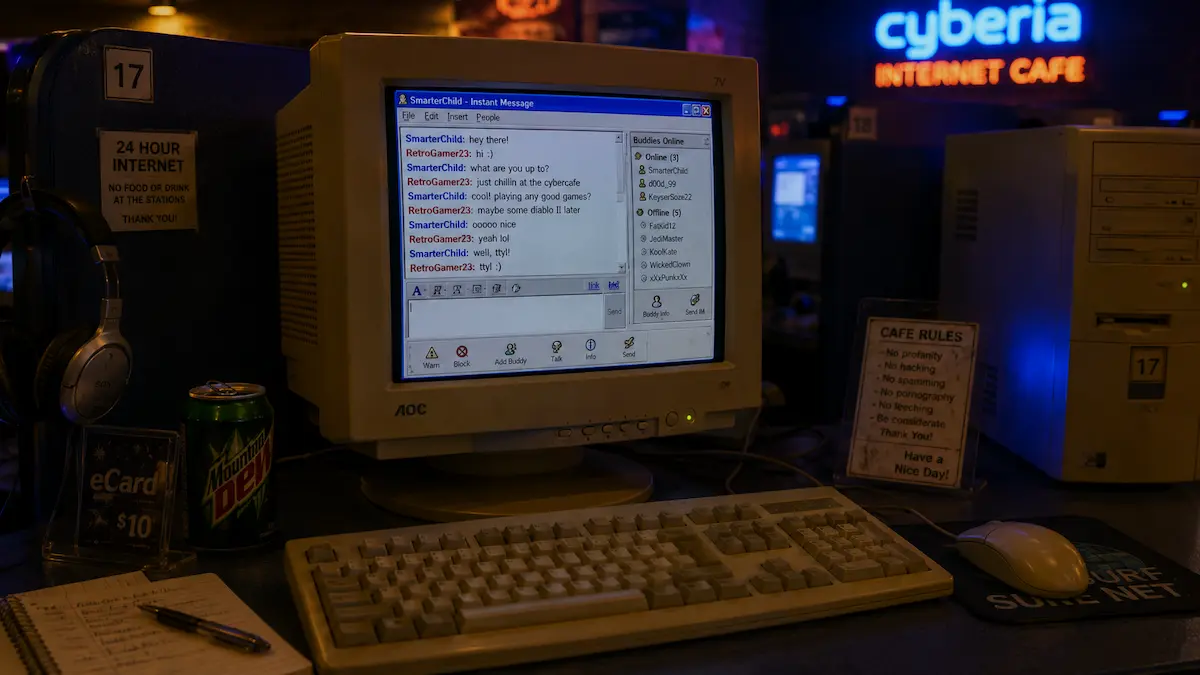
Away messages and availability indicators gave a contact list more meaning than a list of names. MSN added another recognizable detail with its nudge, a sound and a shake of the conversation window intended to attract attention. Microsoft described the feature in its December 2004 announcement of the MSN Messenger 7.0 beta.
Conversation on a rented computer had a practical ending. Once the session was over, the visitor needed to sign out, leaving the machine for the next customer. A personal account and a public keyboard were separate things, even when a familiar contact list made the screen feel temporarily your own.
What changed when the computer stayed at home
Where suitable home PCs and reliable internet connections became affordable, customers had fewer reasons to pay for routine access. Checking email or joining an online server could be done from their own desks. A gaming center then needed to offer something worth the journey, such as better equipment, an organized event or the chance to meet other players.
The social arrangement was harder to reproduce through a connection alone. In the center, a player finishing a match could turn around and watch the next machine, change seats or discuss a mistake face to face. The people waiting for a computer were part of the evening as well. A name on the scoreboard could belong to the person whose chair was touching yours.
Related reading: burning music CDs in the 2000s and installing software from floppy disks.