
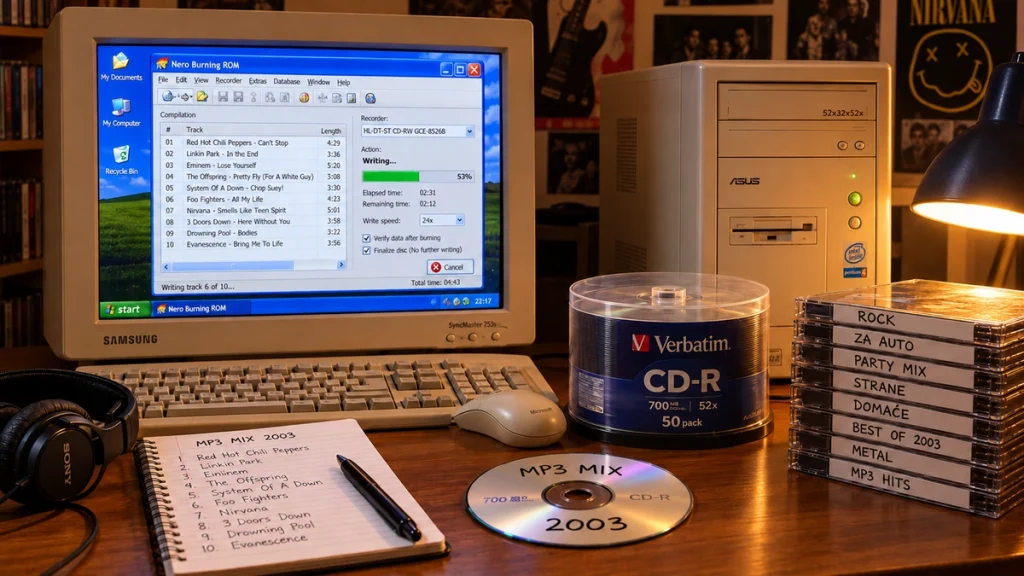
A mix could be nearly finished and still have one song too many. If the closing track pushed the running time over the disc's limit, something had to change: a shorter version, a different ending, or one less song. Burning music CDs in the early 2000s involved plenty of editing before the drive ever started spinning.
The result could be a compilation for the car, a party or a portable player. But choosing the songs was only part of making it work. The same blank disc could hold a conventional audio mix or a much larger collection of MP3 files, and the player determined which one was useful.
Choosing songs before burning music CDs
A music folder could contain tracks ripped from albums, downloaded MP3s and files copied from other discs. The filenames were not always helpful. A track number with no artist, two copies of the same song or a live recording labelled as the studio version could all need sorting out before the mix was ready.
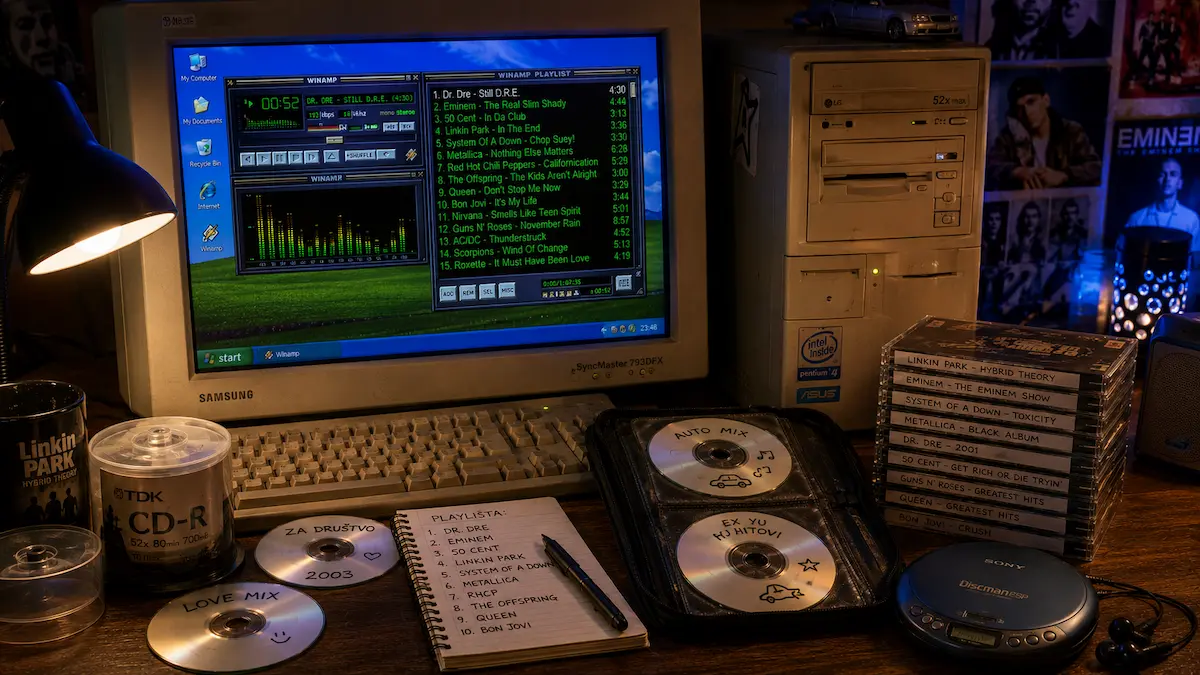
A player such as Winamp made it easy to listen through the selection and move songs around. The opening seconds might reveal the wrong recording, while checking the end could uncover a file that stopped halfway through the song.
There was room to be particular about the order. A long intro might work at home but feel out of place on a short driving mix. An album version and its radio edit could sound similar at first yet use noticeably different amounts of the disc's running time. Those choices mattered most when the compilation was close to full.
Why the packaging said both 700 MB and 80 minutes
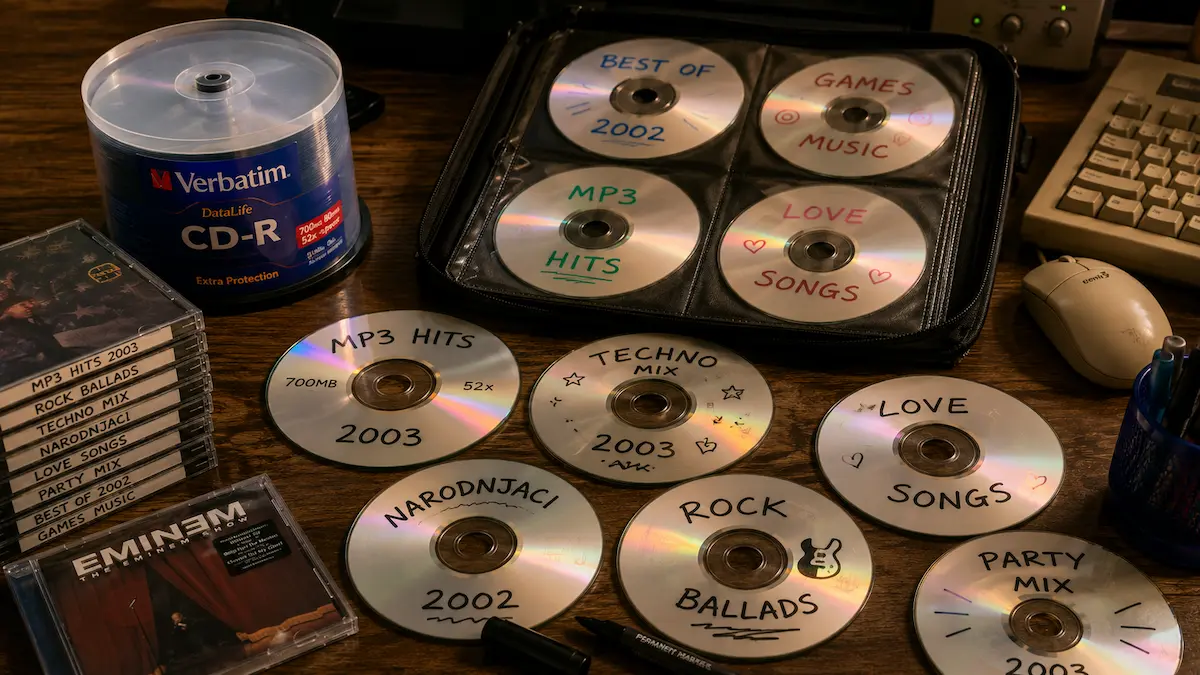
The familiar 700 MB / 80 min label described two ways of using a CD-R. The distinction between an audio CD and a data CD explained why one compilation filled a disc with relatively few songs while another held hours of music.
- Audio CD: the burning software converted the source files into the standard audio CD format. The limit was the total running time, including any gaps between tracks: up to 80 minutes on a disc marked for that capacity.
- MP3 CD: the songs were written as files on a data disc. The limit was their combined file size, so several hours of music could fit. Playback required a device that supported MP3 files recorded on CD.
Small MP3 files did not buy extra minutes on an audio CD. Once converted for that format, a five-minute song still used five minutes. Keeping the files as MP3s saved space, but it also narrowed the choice of players that could read the finished disc.
Nero Burning ROM and the capacity bar
In Nero Burning ROM, the compilation window brought the track list and the space limit together. Adding another file moved the capacity bar towards the end of its scale. Audio projects counted minutes; data projects counted megabytes.
For an audio mix that ran slightly too long, removing a track or choosing a shorter version could bring it back within the limit. Gaps between tracks were another setting worth checking, especially when working with a continuous concert recording. The official Nero Burning ROM manual describes these compilation options.
Burning music CDs also meant choosing a write speed. Numbers such as 8x or 16x described the recording speed, rather than a sound-quality setting. The recorder and blank media both limited the available options.
Why burning music CDs sometimes failed
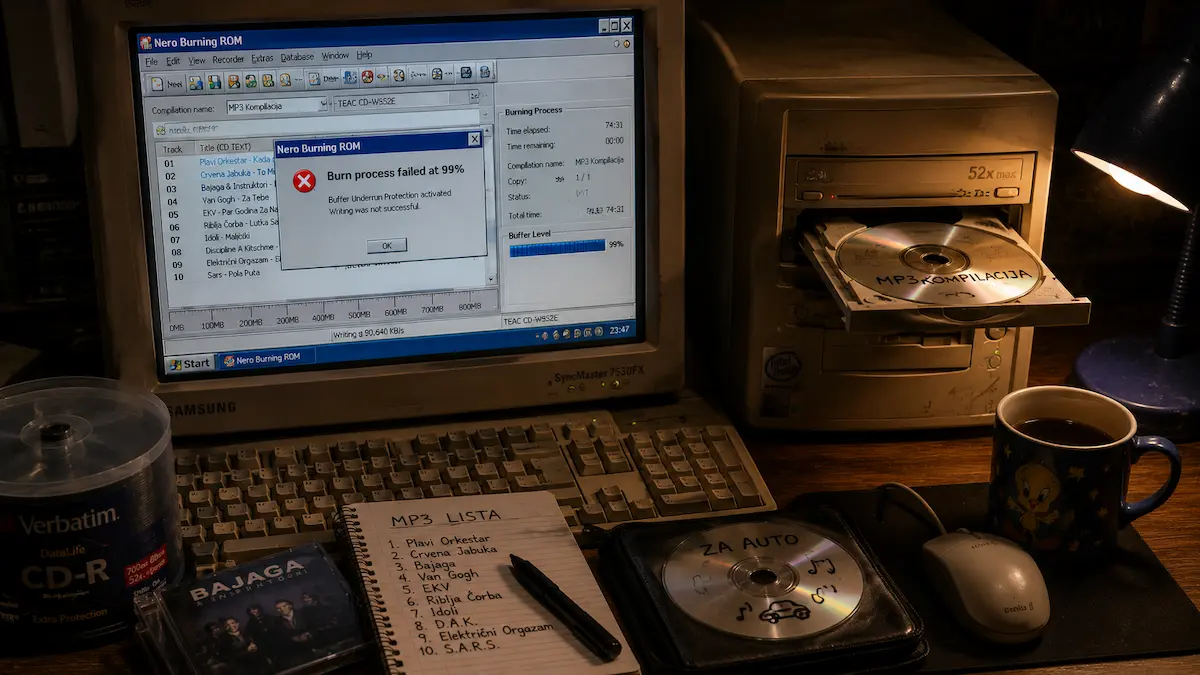
The advice to leave an older computer alone while it was recording had a practical basis. A CD recorder used a small memory buffer to hold incoming data. If the computer could not keep that buffer supplied, a drive without suitable protection could run out of data during writing. This was a buffer underrun, and it could leave a CD-R unusable.
Compatible drives with buffer underrun protection could pause recording and continue once enough data arrived. That protection made a real difference to how a recorder handled an interruption. Keeping data flowing reliably mattered more than treating every movement of the mouse as a threat to the disc.
Sometimes the recording stopped with a message nobody wanted to see:
Burn process failed
That message did not identify one particular fault. The recording log could provide more detail; the percentage shown when the process stopped was not enough to diagnose the problem.
The car stereo had the final say
After watching the progress bar, it was a relief to see:
Burn process completed successfully
The software had finished without reporting a recording error. Trying the disc in its intended player was still worthwhile. A PC could read an MP3 compilation that an older car stereo could not, even when the recording itself was fine.
The type of blank disc mattered too. CD-R could not be erased and reused as a blank disc. CD-RW could be erased and recorded again, but some audio players did not support it. Rewritability and playback compatibility were separate questions.
Finalizing closed a disc to further recording. Depending on the disc format and playback equipment, that step could be necessary for the player to read it.
Once a disc passed that test, it could go into a jewel case or CD wallet with a title written on its label side. Taking it out with headphones introduced a different set of concerns, covered in our look at portable CD players and MP3 CDs.
Finding an old mix again
A handwritten title may say little about what a disc contains. Loading it can reveal a particular album version, an unexpected sequence of artists or a folder of files that no longer exists on the current computer. If the disc still reads, those are good reasons to check its contents and save anything worth keeping.
An audio compilation preserves the running order that was recorded; an MP3 disc can also retain old filenames and folders. Even when the songs themselves are familiar, the selection can be worth revisiting. The last track is still the one that fitted, even if the reason for choosing it has long been forgotten.
Explore more stories about older computers, music formats and everyday technology on the Good Old Cartoons blog.